

Our verdict: Typora makes Markdown feel like a word processor: the formatting appears in place as you type, without a separate preview pane. It handles tables, math, code and diagrams well and exports to PDF and Word. The trial is 15 days, and the $14.99 one-time license is inexpensive.
About Typora
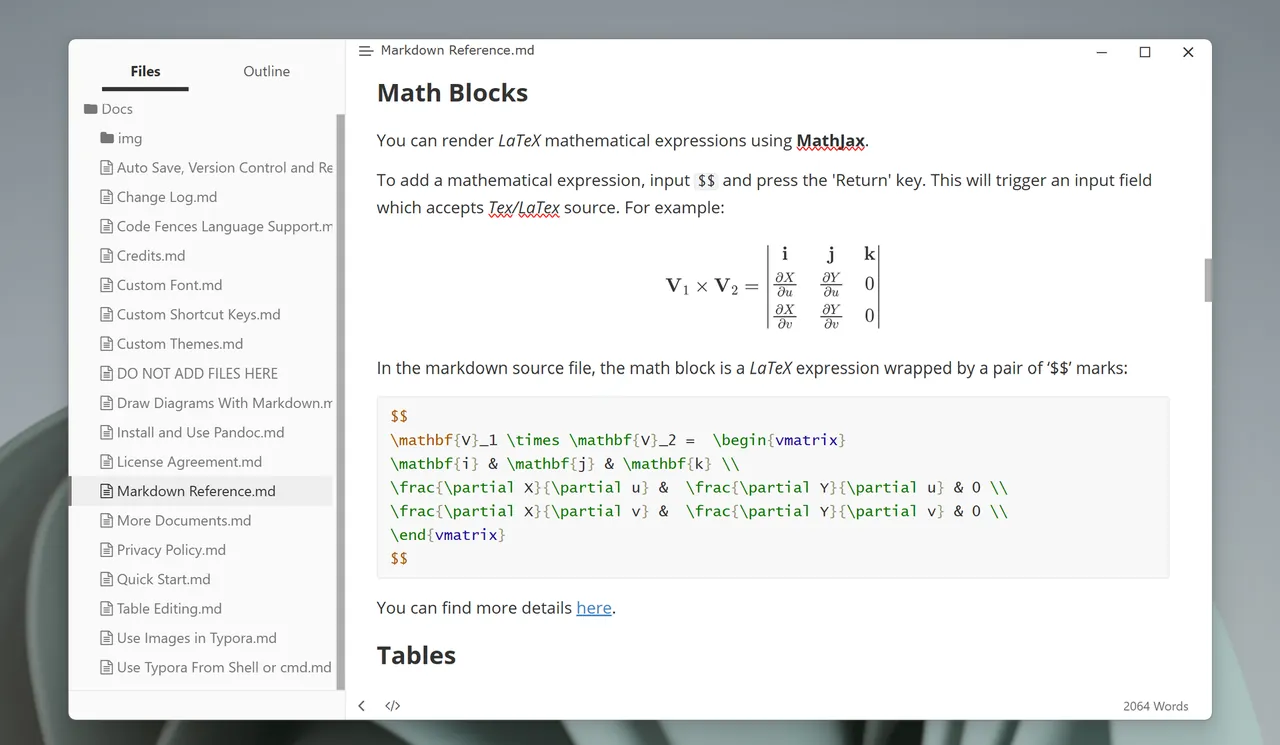
Typora edits plain Markdown files on your disk, so your notes stay readable in any other editor and work with any sync folder. Instead of splitting the window into source and preview, it renders headings, images and tables inline and reveals the Markdown only where the cursor is.
Since version 1.0 Typora is paid. The license is a one-time purchase of $14.99 for one person on up to 3 devices, with no subscription. The trial gives 15 days to evaluate it, and the license agreement does not allow using the trial beyond that.
What it does well
- Seamless live preview. Markdown is rendered in place while you type, with no separate preview window.
- Tables and code. Insert and resize tables with the mouse and get syntax highlighting for about 100 languages.
- Math and diagrams. MathJax equations plus Mermaid, flowchart and sequence diagrams from text.
- Export and import. Exports to PDF with bookmarks, Word, HTML, LaTeX, EPUB and more via Pandoc.
- Themes and focus modes. CSS themes, focus mode and typewriter mode for distraction-free writing.
Who it is for
Good fit
Writers, students and developers who want to write Markdown without looking at the syntax.
Look elsewhere
Users who need a free tool or a full note-taking system with links, tags and sync built in.
Pros and cons
Pros
- Clean inline Markdown rendering
- Cheap one-time license
- Strong export options
- Works with plain files on disk
Cons
- Trial is only 15 days
- No built-in sync or mobile app
- Some exports need Pandoc installed
How to install Typora
The button downloads the official 64-bit Windows installer. The trial starts on first launch without an account. After buying, enter your email and license code under Help > My License; activation needs an internet connection.
Questions about Typora
Is Typora free?
No. Typora has a 15-day free trial without an account or card. After that you need a license: $14.99 once for one person on up to 3 devices, with a 30-day refund window.
Does Typora store my notes in the cloud?
No. It edits Markdown files on your own disk; you can keep them in Dropbox, OneDrive or any other sync folder.
Is there a free alternative to Typora?
MarkText offers a similar inline Markdown editing experience and is free and open source.


