

Our verdict: VideoPad is easy to learn and covers the basics of home video editing, from transitions to green screen and stabilization. The free version is limited to non-commercial use, and the site pushes the paid edition and other NCH programs. Shotcut and OpenShot are free for any use.
About VideoPad
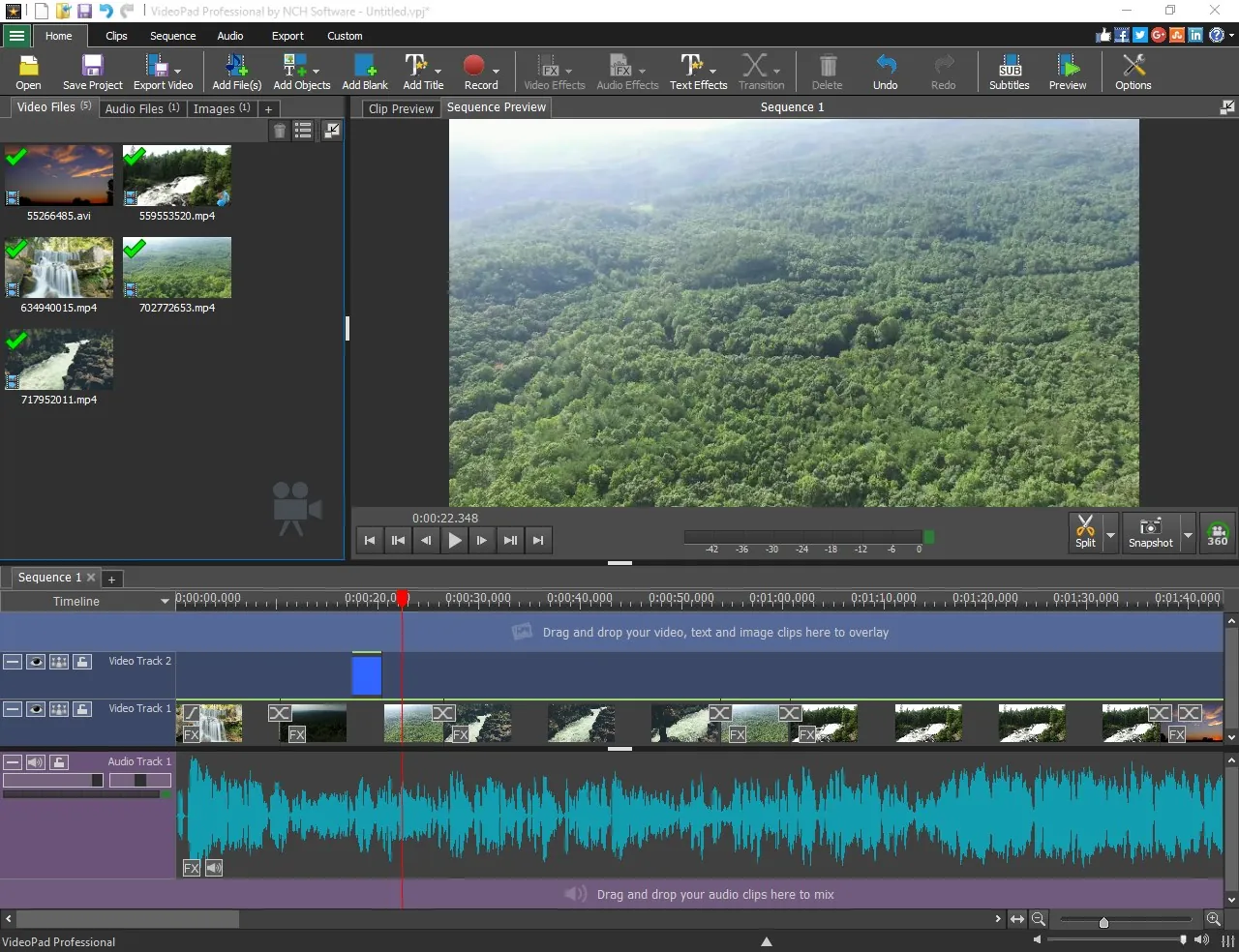
VideoPad is made by NCH Software. It is a timeline editor aimed at beginners: you drag clips onto tracks, add transitions and titles, mix music and narration, and export to a file, a disc or YouTube.
NCH offers a free version for non-commercial use only; anyone using VideoPad for work needs a paid edition. On the official page the large Download buttons get the regular edition, while the free version has its own smaller link labelled "download the free version here".
What it does well
- Transitions and effects. Over 50 transitions and visual effects, including picture-in-picture.
- Green screen. Chroma key to replace a green or blue background.
- Video stabilization. Reduces camera shake in handheld clips.
- Audio tools. Narration recording, audio effects, normalization and a sound effects library.
- Export options. Exports MP4, MKV, MOV, AVI and GIF, burns DVDs and uploads to YouTube.
Who it is for
Good fit
Home users who want a simple editor for family videos and slideshows.
Look elsewhere
Anyone editing for work or a monetized channel, since the free version is for non-commercial use only.
Pros and cons
Pros
- Easy to learn
- Green screen and stabilization included
- Exports to many formats and to DVD
Cons
- Free version is for non-commercial use only
- The website pushes the paid edition and other NCH programs
- Closed source
How to install VideoPad
On nchsoftware.com use the "download the free version here" link under "Get it Free", not the large Download Now button. Read every setup screen before clicking Next and untick anything you do not want. Keep the free version for home projects only; for work you need a paid edition.
Questions about VideoPad
Is VideoPad free?
There is a free version for non-commercial, home use only. Commercial use requires a paid edition.
Which VideoPad download is the free version?
The file named videopadfsetup64.exe, linked as "download the free version here" on the official page. The main Download Now button gets the regular edition.
Does VideoPad run on Windows 11?
Yes. NCH lists Windows 7 to 11 as supported.


