

Our verdict: OpenShot is an easy first video editor. You drag clips onto a timeline, add transitions and titles, and export without a watermark. It covers home videos and simple YouTube edits, but it has fewer professional tools than heavier editors.
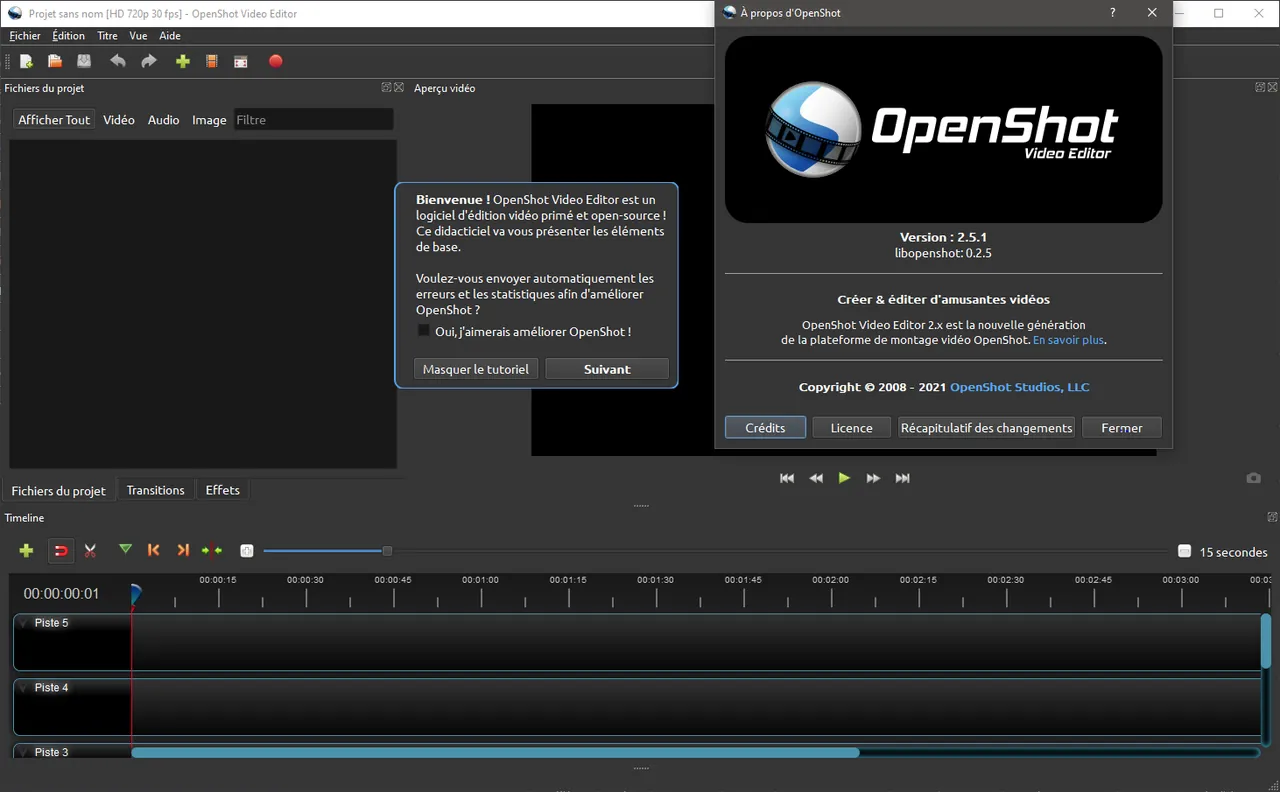
About OpenShot
OpenShot was started in 2008 by Jonathan Thomas, and its copyright now belongs to OpenShot Studios. The interface is built with Python and Qt, while video processing runs in the libopenshot C++ library on top of FFmpeg.
Projects use unlimited video, audio and image tracks. Clip position, scale, rotation, opacity, volume and effect settings can all be animated with keyframes. Animated 3D titles are rendered through Blender, which you install separately.
What it does well
- Timeline editing. Unlimited tracks with thumbnails and waveforms, trimming, slicing, snapping and frame stepping.
- Keyframe animation. Animate position, scale, rotation, opacity, volume and speed with linear or Bézier curves.
- Transitions. More than 400 transition patterns, created automatically by overlapping two clips.
- Titles. More than 40 editable vector title templates, plus Blender-powered 3D titles.
- Color tools. Color wheels, curves, LUTs and video scopes such as waveform and vectorscope.
Who it is for
Good fit
Beginners making family videos, school projects or simple YouTube edits.
Look elsewhere
Editors working on long, complex projects who need professional trimming and finishing tools.
Pros and cons
Pros
- Simple to learn
- No watermark or time limit
- Keyframes on almost every property
- Runs on Windows, macOS and Linux
Cons
- Fewer advanced tools than Kdenlive or DaVinci Resolve
- 3D animated titles need Blender installed separately
How to install OpenShot
The download page offers the free 64-bit Windows installer and a paid Microsoft Store edition that funds development; both have the same features. Install Blender too if you want animated 3D titles. Start a project by dragging media files into the Project Files panel.
Questions about OpenShot
Is OpenShot free?
Yes. It is open source under the GPL. The Microsoft Store edition costs money to support the project, but the EXE installer from openshot.org is free and has the same features.
Does OpenShot add a watermark?
No. Exported videos are clean.
Can OpenShot record my screen?
Yes. The recording panel captures a full screen, a window or a region, plus webcam and microphone, and places the recordings on the timeline.


