

Our verdict: 1Password is a polished password manager for people willing to pay for convenience. It syncs across Windows, Mac, Linux and phones, fills passwords and passkeys in every major browser and warns about weak or breached logins. There is no free plan: after the 14-day trial you need a subscription.
About 1Password
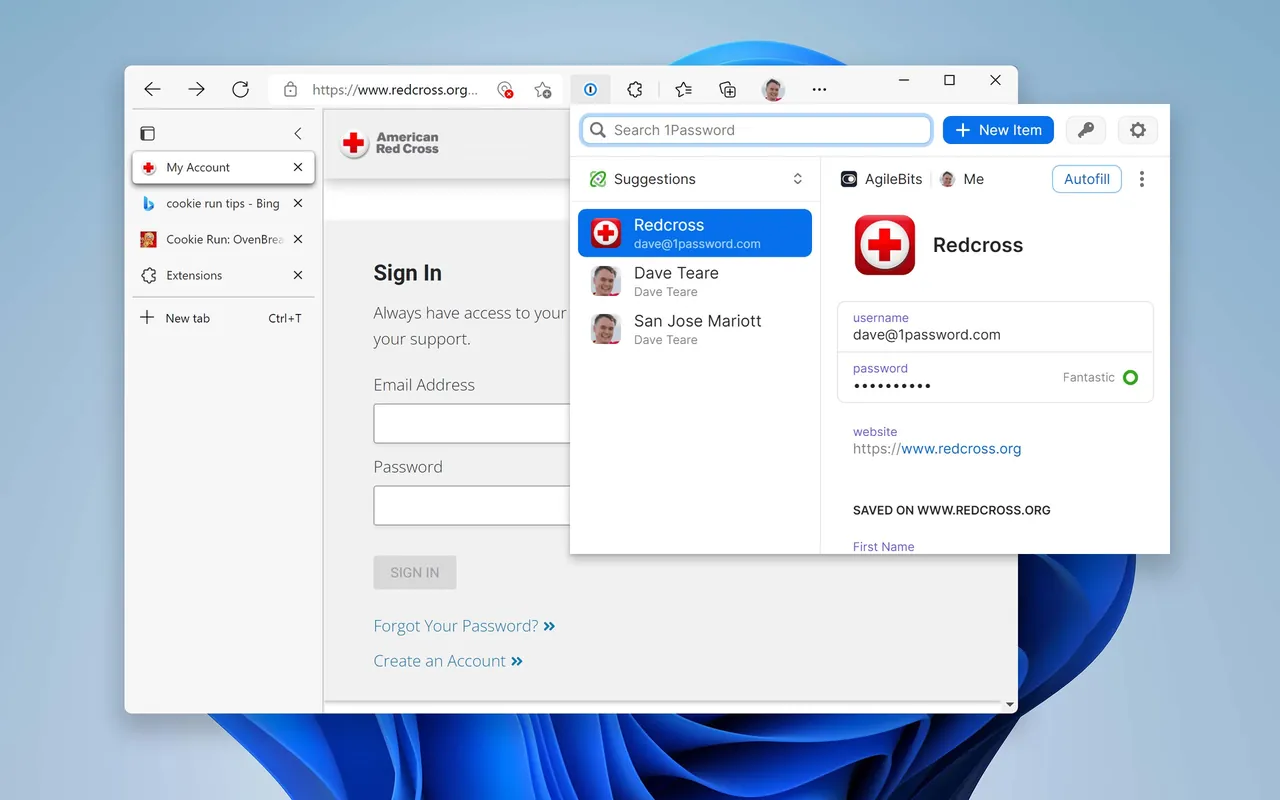
1Password encrypts everything in your vaults end to end with two secrets: your account password and a Secret Key generated on your device, so a server breach alone cannot unlock your data. The Windows app works with browser extensions for Chrome, Edge, Firefox and Brave, supports Windows Hello unlock, and stores passwords, passkeys, cards, documents and SSH keys.
You can try 1Password Individual or Families free for 14 days. The trial is tied to a 1Password account, and your first invoice arrives within 48 hours after it ends unless you cancel. The Individual plan costs $2.99 per month billed annually for new customers in the first year, then $3.99 per month. If you cancel, the account is frozen but you can still sign in to view and export your data.
What it does well
- Secret Key encryption. Vault data is encrypted with your account password plus a device-generated Secret Key.
- Watchtower. Alerts you to weak or reused passwords and to sites that have been breached.
- Passkeys and autofill. Saves and fills passwords, passkeys, addresses and cards in major browsers.
- Secure sharing. Shares items with anyone through expiring links, even without a 1Password account.
- Travel Mode. Hides selected vaults from your devices when you cross borders.
Who it is for
Good fit
Individuals and families who want a polished, well-audited password manager on every platform and are fine paying for it.
Look elsewhere
Anyone who wants a free password manager or prefers a local vault file instead of a cloud account.
Pros and cons
Pros
- Strong encryption with an extra Secret Key
- Apps for Windows, macOS, Linux, Android and iOS
- Watchtower breach and weak-password alerts
- Data stays viewable and exportable if you cancel
Cons
- No free plan, only a 14-day trial
- Billed automatically when the trial ends unless cancelled
- Regular price is higher than the first-year promotion
How to install 1Password
Create a 1Password account and start the trial on 1password.com, then install the Windows app and the browser extension. Save your Emergency Kit with the Secret Key somewhere safe; you need it to sign in on new devices. Cancel in Billing before the trial ends if you do not want to be charged.
Questions about 1Password
Is 1Password free?
No. It has a 14-day free trial tied to a 1Password account, and billing starts when it ends unless you cancel. The Individual plan costs $2.99 per month billed annually in the first year for new customers, then $3.99 per month.
What happens if I stop paying?
Your account is frozen. You can still sign in to view and export your data, and you can resume the subscription later.
What is the Secret Key?
A 34-character key created on your device that is combined with your account password to encrypt your data. 1Password does not have it, so keep your Emergency Kit safe.


