

Our verdict: Sticky Password is a long-running password manager from Lamantine Software with a native Windows app, autofill in many browsers and the choice of cloud sync, local Wi-Fi sync or no sync at all. After the 30-day Premium trial it keeps working for free on one device, so it is usable without paying if you only need passwords on one PC. Sync, cloud backup and sharing need Premium.
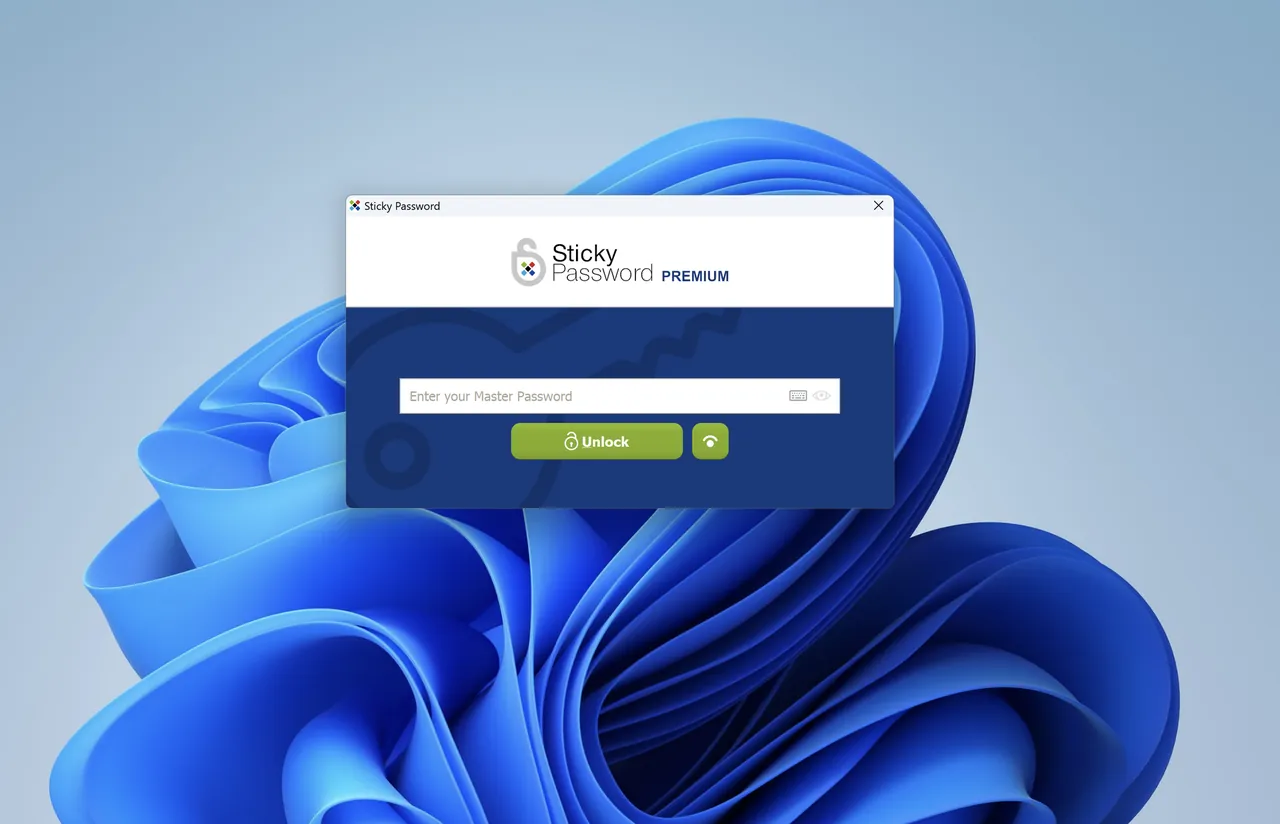
About Sticky Password
Sticky Password stores passwords, passkeys, payment cards and secure notes in a database encrypted with AES-256, protected by a master password, two-step verification and biometric unlock. It fills logins in Chrome, Firefox, Edge, Brave, Vivaldi, Opera and other browsers listed on the official compatibility page, and includes password and passphrase generators. Contactless Connect lets you log in on a computer using your phone without installing the app there.
The same installer covers both editions. The first installation starts a 30-day Premium trial without a credit card; when it ends the app switches to Sticky Password Free, which keeps the main features on a single device but drops sync and cloud backup across your devices. Premium adds cloud or local Wi-Fi sync, secure cloud backup, emergency access, password sharing and priority support. The official pricing page shows a one-year license and a lifetime license; prices are displayed in the local currency.
What it does well
- Sync your way. Premium syncs through Sticky Password's cloud, over your local Wi-Fi only, or not at all.
- Autofill and autologin. Fills logins and forms in Chrome, Firefox, Edge, Brave, Vivaldi, Opera and other supported browsers.
- Contactless Connect. Logs in on another computer using your phone as the authenticator, without installing the app there.
- Emergency access and sharing. Premium lets a trusted person reach your data and shares logins with permissions.
- Lifetime license. Premium is sold as a yearly subscription or a one-time lifetime license.
Who it is for
Good fit
Users who want a native Windows password manager with local Wi-Fi sync or a one-time lifetime license instead of a subscription.
Look elsewhere
People who need free sync between PC and phone; Bitwarden and Proton Pass sync for free.
Pros and cons
Pros
- Keeps working for free on one device after the trial
- Local Wi-Fi sync without the cloud
- Lifetime license option
- Supports Windows 10 and 11 as well as older versions
Cons
- Free mode has no sync or cloud backup between devices
- Sharing and emergency access need Premium
- Dark Web Monitoring is not included in the trial
How to install Sticky Password
The button downloads the official Windows installer from stickypassword.com. Create a StickyAccount and a master password on first start; the 30-day Premium trial begins automatically. Install the browser extensions offered during setup for autofill.
Questions about Sticky Password
Is Sticky Password free?
Partly. You get a 30-day Premium trial; after it ends the app switches to Sticky Password Free, which works on one device without sync or cloud backup. Premium costs 29.95 EUR for the first year on the official pricing page, or a lifetime license.
Can Sticky Password sync without the cloud?
Yes. Premium can sync over your local Wi-Fi network instead of the cloud, or you can turn sync off.
Which Windows versions does Sticky Password support?
The official compatibility page lists Windows 11, Windows 10, Windows 8 in desktop mode, Windows 7 and Windows Vista.


