

Our verdict: Flow Launcher is a fast, extensible search bar for Windows in the style of macOS Spotlight and Alfred. It launches apps, finds files, does calculations and runs shell commands without touching the mouse. Hundreds of plugins add more, but the download is large for a launcher.
About Flow Launcher
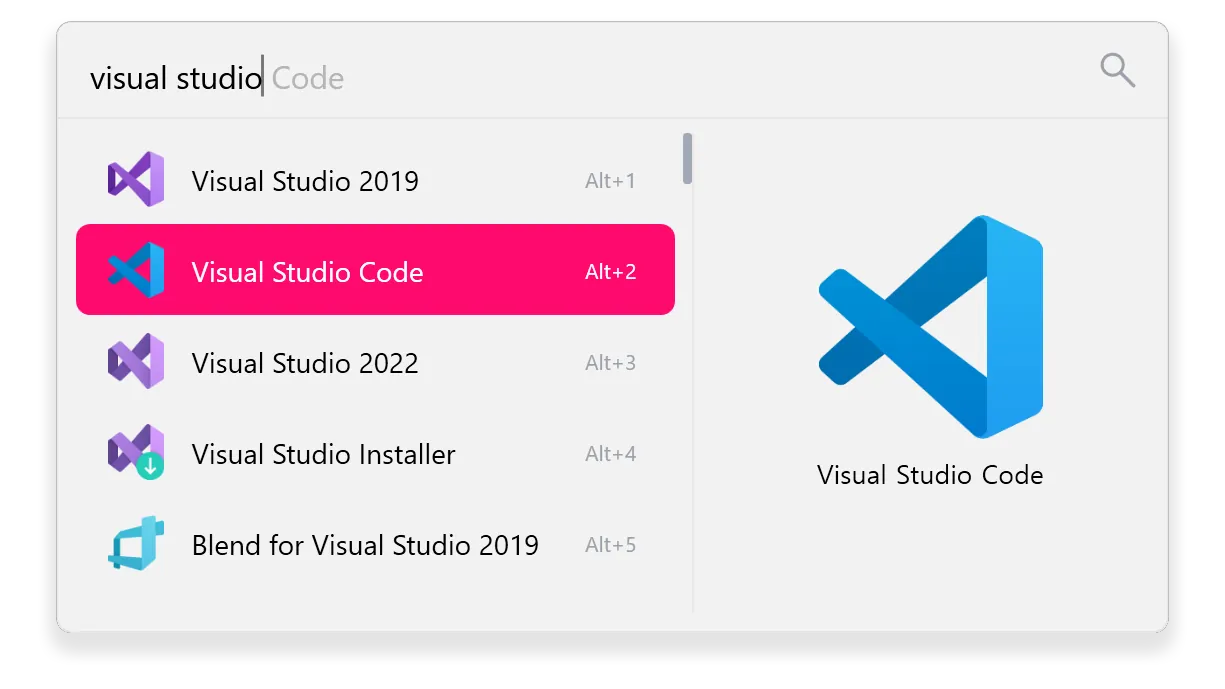
Flow Launcher is an open-source project under the MIT license, continuing the earlier Wox launcher. Press Alt+Space, type a few letters and press Enter to open an app, a file, a bookmark or a Windows setting.
File search can use Everything or Windows Search, and web searches go to the search engine you choose. A built-in Plugin Store adds integrations such as Steam, Spotify and Obsidian, and plugins can be written in C#, F#, Python, JavaScript or TypeScript. Themes, animations and sounds are customizable.
What it does well
- App and file search. Opens programs and finds files through Everything or Windows Search.
- Web searches. Type a keyword to search Google, YouTube or another engine.
- Shell and system commands. Run commands as administrator, restart, sleep or shut down.
- Calculator. Type a math expression and copy the result.
- Plugin Store. Install plugins for browsers, games, notes and more.
Who it is for
Good fit
Keyboard-focused users who want to launch apps, find files and run commands quickly.
Look elsewhere
Users happy with the Start menu search, or anyone who wants a very small tool.
Pros and cons
Pros
- Fast keyboard launcher
- Works with Everything for instant file search
- Large plugin store
- Open source, no ads
Cons
- Installer is about 100 MB
- Default Alt+Space hotkey clashes with PowerToys Run
- Plugins are third-party code of varying quality
How to install Flow Launcher
Download the installer from flowlauncher.com or the latest GitHub release. After setup, press Alt+Space to open the search box; change the hotkey in Settings if it clashes with PowerToys Run, which uses the same default. Install Everything first if you want instant file search.
Questions about Flow Launcher
Is Flow Launcher free?
Yes. Flow Launcher is open source under the MIT license, with no paid edition.
How do I open Flow Launcher?
Press Alt+Space. You can change the hotkey in Settings.
Does Flow Launcher work with Everything?
Yes. It can use Everything or Windows Search for file and file-content searches.


