

Our verdict: PDFgear covers most everyday PDF jobs, from editing text to OCR and conversion, without watermarks, page limits or an account. It is closed-source and the AI assistant sends document text online, so it is not the pick for confidential files.
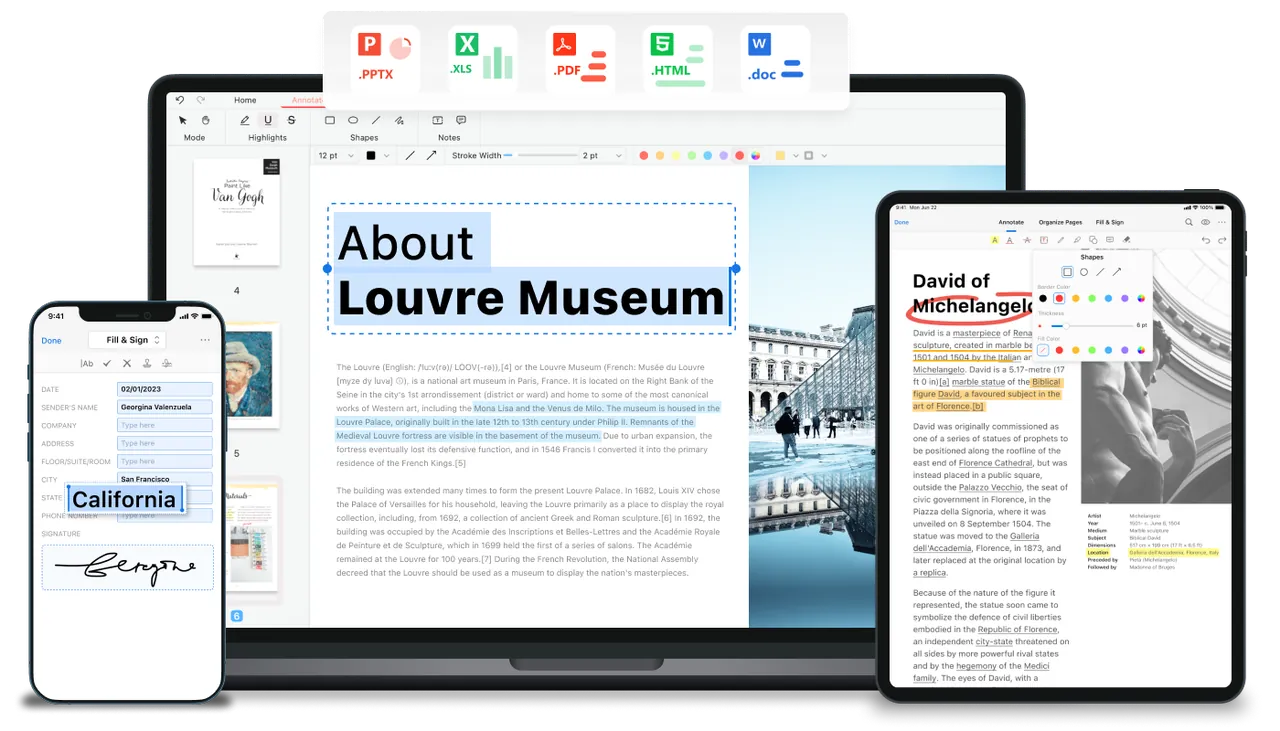
About PDFgear
PDFgear is a desktop PDF editor that the developer offers completely free, without sign-up. You can edit text, images, links and form fields in existing PDFs, add highlights, comments, stamps and shapes, and sign documents with a drawn signature.
The converter turns PDFs into Word, Excel, PowerPoint, TXT and images and back, with a batch mode. OCR extracts text from scanned documents in more than 30 languages. A built-in AI chat can summarize a document or answer questions about it. Apps also exist for macOS, iPhone, iPad and Android.
What it does well
- Edit PDF content. Change text, images, shapes, links and fillable form fields in existing PDFs.
- Annotate. Highlight, underline and strike through text, add notes, stamps, shapes and text boxes.
- Convert in batches. Converts PDF to and from Word, Excel, PowerPoint, TXT and JPG.
- OCR. Turns scanned PDFs into searchable or editable text in more than 30 languages.
- Merge, split and sign. Combines and splits files, reorders pages and adds hand-drawn signatures.
Who it is for
Good fit
Home and office users who need to edit, convert or sign PDFs without paying for Acrobat.
Look elsewhere
People who handle confidential documents and do not want any cloud AI features in their PDF tool.
Pros and cons
Pros
- Editing, OCR and conversion free with no watermark
- No account required
- Batch conversion to Office formats
- Apps for Windows, Mac and mobile
Cons
- Closed source; the company's long-term business model is not spelled out
- AI features send document content to an online service
- Large installer for a PDF tool
How to install PDFgear
The official download page starts the installer automatically. No account is needed to use the editor. The AI chat panel works through PDFgear's online service, so avoid using it on sensitive documents.
Questions about PDFgear
Is PDFgear free?
Yes. The developer says PDFgear is completely free, without sign-up, and that business features are free too.
Does PDFgear add a watermark?
No. Edited and converted files are saved without a watermark.
Does PDFgear work offline?
Editing, conversion and OCR work in the desktop app; the AI chat needs an internet connection.


