

Our verdict: Clipchamp is the easiest way to make a quick video on Windows 11, and the free plan exports 1080p without a watermark. It needs a Microsoft account and is built around online services, so it is not a replacement for a full offline editor.
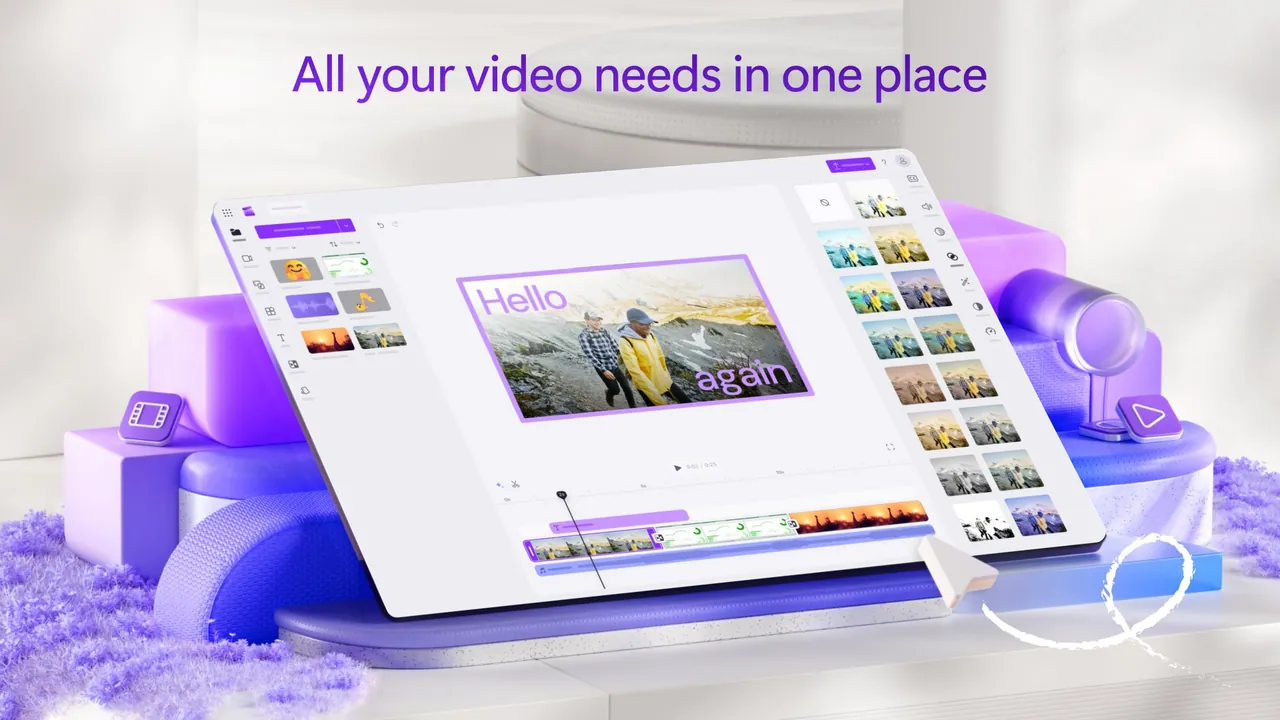
About Microsoft Clipchamp
Clipchamp is Microsoft's video editor and comes built into Windows 11; on Windows 10 you install it from the Microsoft Store, or use it in Edge or Chrome at app.clipchamp.com. You sign in with a personal Microsoft account.
The free plan includes trimming, cropping, animated text, free filters and effects, a screen and webcam recorder, AI captions, AI voiceovers and unlimited exports up to 1080p. Microsoft 365 Personal and Family add 4K exports, premium stock media, premium filters and a brand kit.
What it does well
- Templates. Ready-made templates for social media, intros and slideshows.
- Screen and webcam recorder. Records the screen, a window or a tab together with your webcam.
- AI captions and voiceovers. Generates subtitles with downloadable SRT files and text-to-speech voiceovers.
- Stock library. Free stock videos, images, music and stickers; premium assets need Microsoft 365.
- OneDrive integration. Imports media from OneDrive and backs up projects there.
Who it is for
Good fit
Beginners, students and office users who need a quick video, slideshow or screen recording.
Look elsewhere
People who need offline editing without an account, 4K exports for free, or professional tools such as color grading.
Pros and cons
Pros
- Very easy to learn
- Free 1080p exports without a watermark
- Built-in screen and webcam recorder
- AI captions and voiceovers included
Cons
- Requires a Microsoft account
- 4K export and premium stock need Microsoft 365
- Only available through the Microsoft Store or browser
How to install Microsoft Clipchamp
On Windows 11 Clipchamp is usually already installed; search for it in the Start menu. On Windows 10, install it from the Microsoft Store. Sign in with a personal Microsoft account. Watch for premium stock items and effects: a project that uses them cannot be exported on the free plan.
Questions about Microsoft Clipchamp
Is Clipchamp free?
Yes. The free plan exports unlimited videos up to 1080p without a watermark. 4K exports, premium stock and premium effects are included with Microsoft 365 Personal and Family.
Does Clipchamp add a watermark?
No. But if you add premium stock media or a premium feature to a project, you cannot export it until you upgrade.
Can I use Clipchamp on Windows 10?
Yes. Install it from the Microsoft Store or open app.clipchamp.com in Edge or Chrome.


